Getting started with sampo.
Share your favorite places on a map.
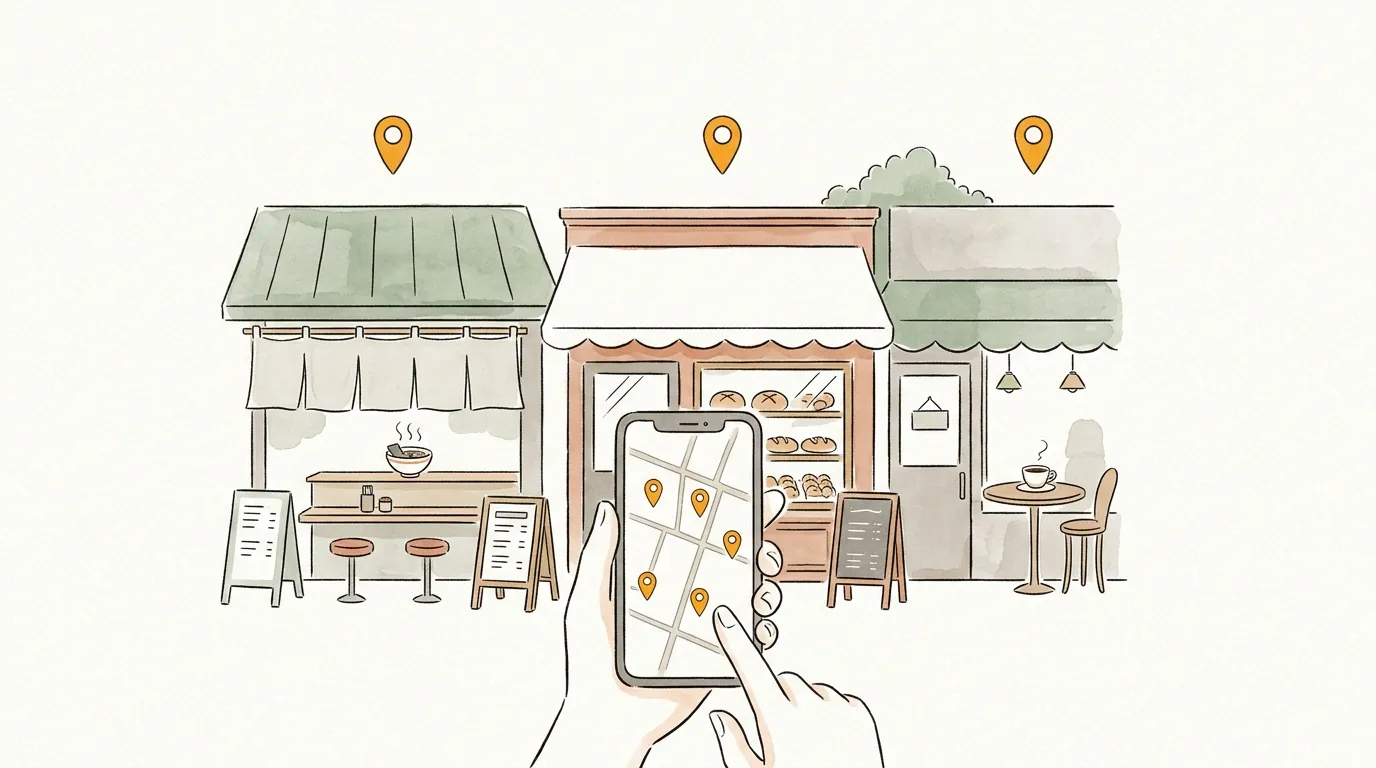
sampo. turns your favorite places into a map you can send to anyone with a single URL.
The shop you want them to try, the street you want them to walk, the view you want them to see — put them on one map with an order and a note for each. No account needed, free, ready in a minute.
113 maps · 1,666 spots created so far
What you can do
- 1
Make
Search and add places. You can also import a Google Maps list.
- 2
Send
Saving gives you a URL. Paste it in a chat or show a QR code.
- 3
Find
Discover places to go from maps other people made.
- 4
Save
Save whole maps, or single places — the makings of your next map.
- 5
Record
Record walks with the iPhone app. Places you stopped become a map.
Make a map
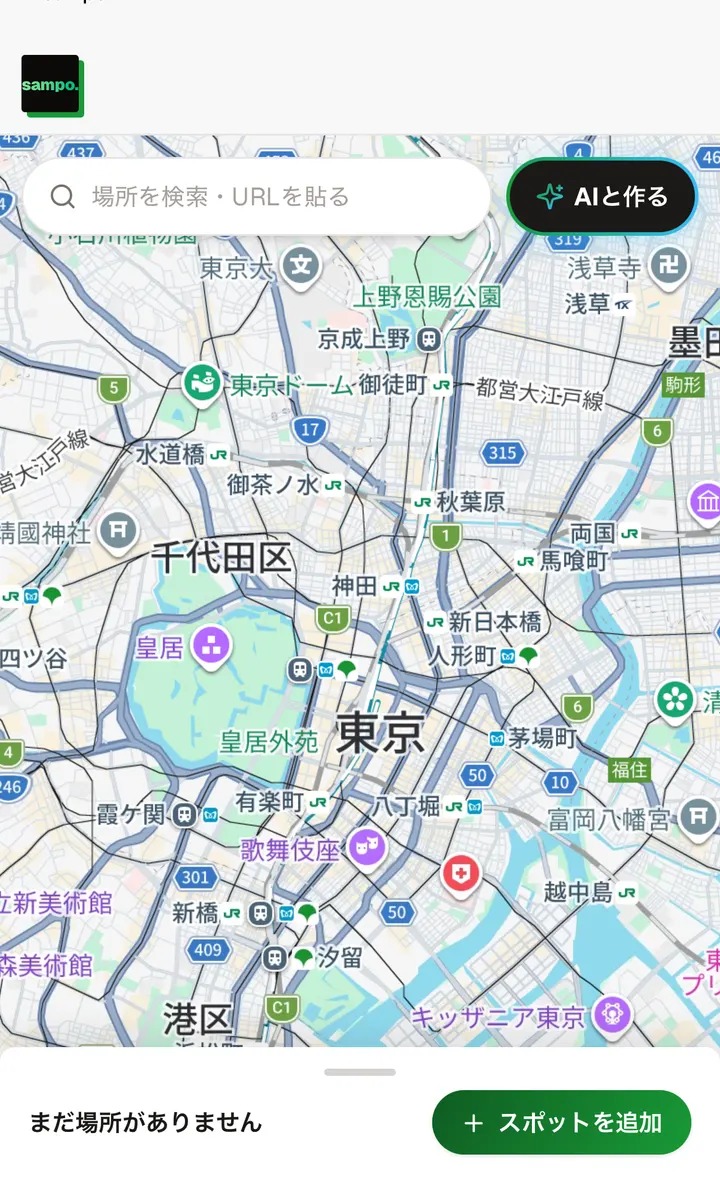
Open "Make a map", then search for places or tap the map to drop a pin. Photos are added automatically and you can write a note for each spot. The order you set is the order to visit.
- No account needed
- Import Google Maps URLs and lists
- Invite friends and build it together, up to 4 people (login required)
Send it
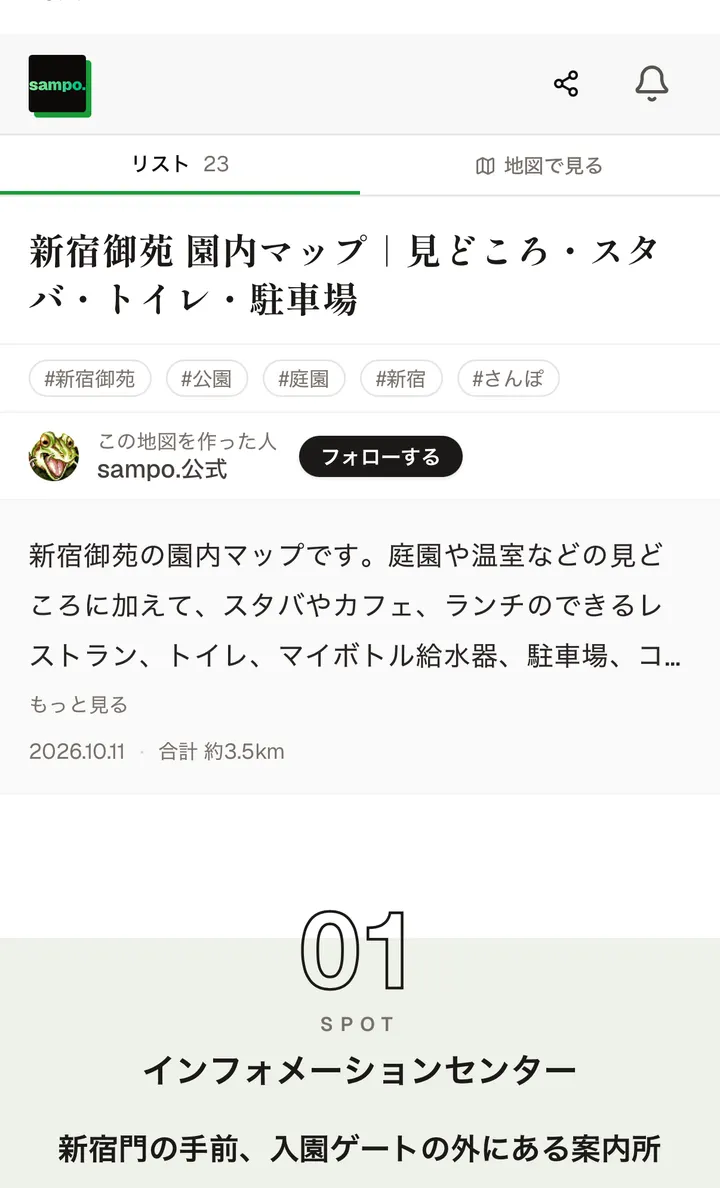
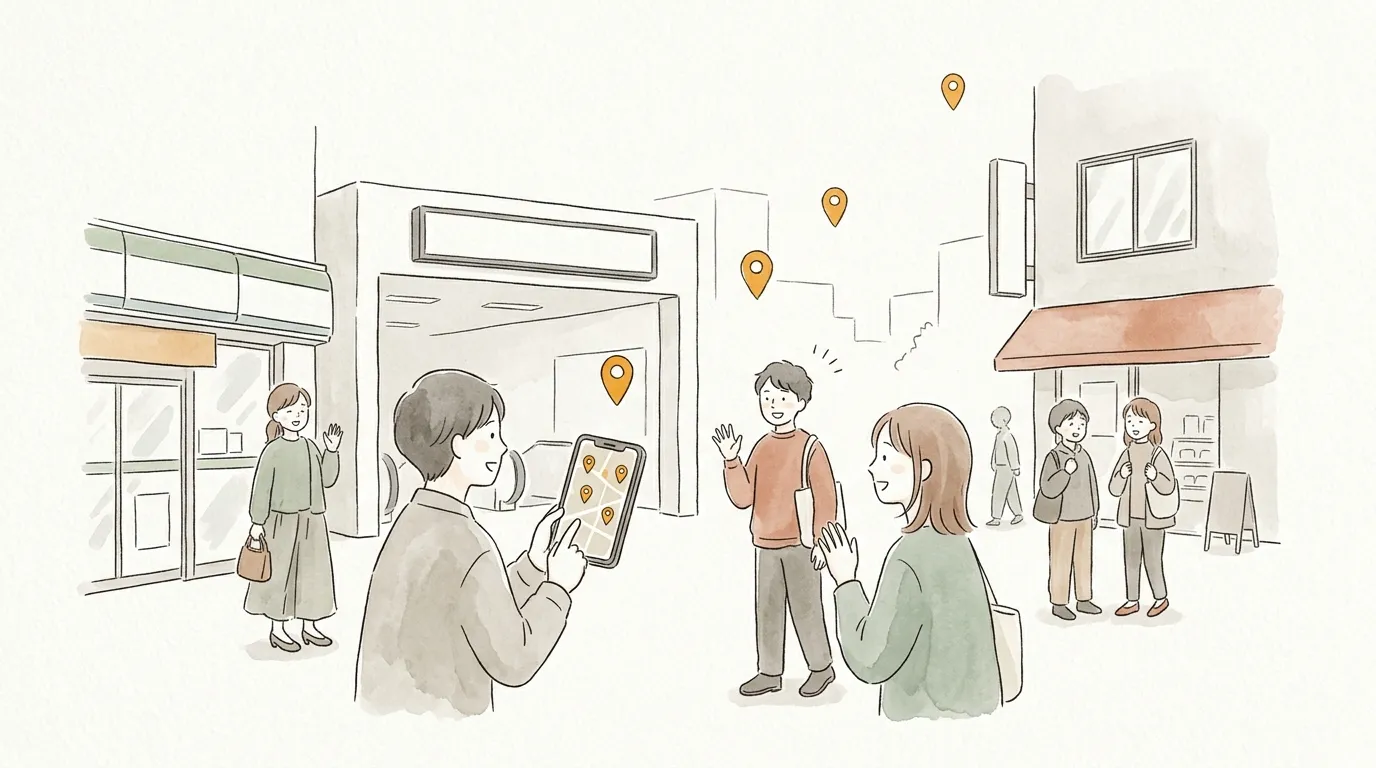
Give it a title and save, and the map gets its own URL. Whoever you send it to can open it in a browser — no app needed — and read the numbered pins, photos and your notes in order. Each spot opens in Google Maps for directions.
- Share by URL or QR code
- Public, unlisted (link only) or private
- Maps you have opened stay readable offline (login required)
Find and save

In Explore, browse maps by trending, new, theme and area. Save the ones you like, or build your own on top of them. You can also save single places and use them for your next map.
- Save maps, or just one spot
- Build your own map from someone else’s
- Follow makers to get their new maps
Record your walks (iPhone app)
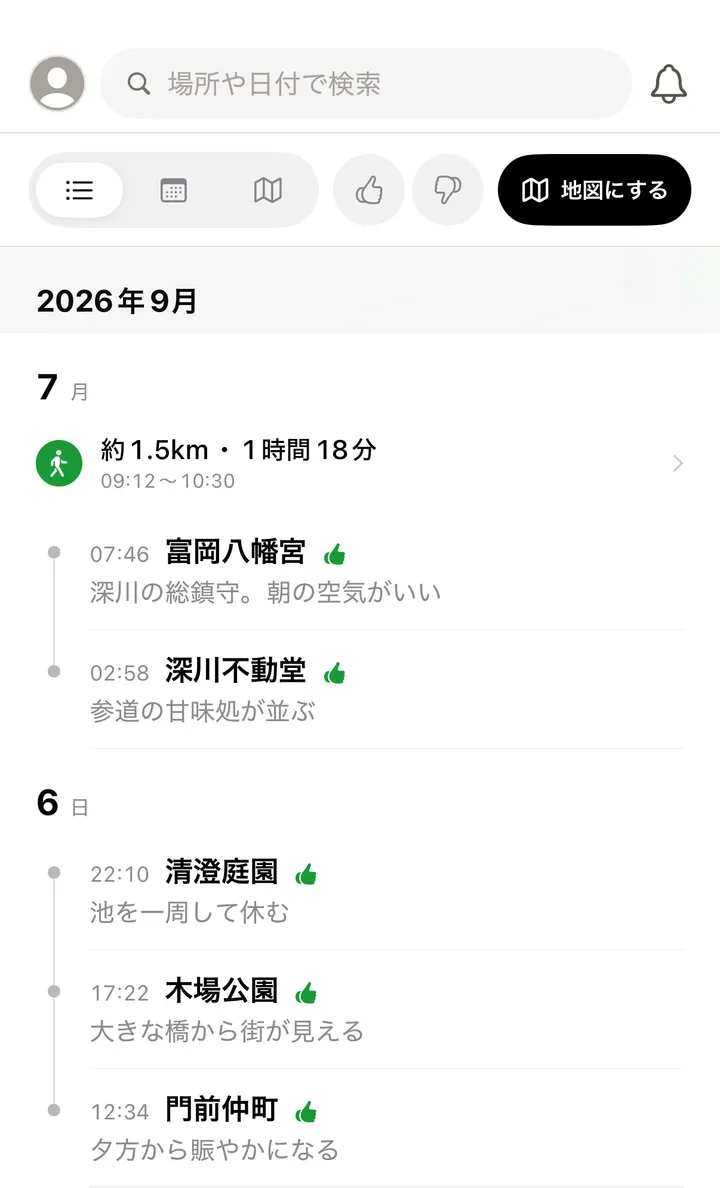
With the iPhone app, your route, distance, time and the places you stopped are kept. You can also log where you are with one tap. Pick the places you recorded and they become a map.
- Record route, distance and time
- Turn the places you stopped into a map
- See steps and step length from Health
iPHONE APP
Record your walks with the app.
Track the distance and time of a walk and the places you stopped. What you record turns straight into a map. Making, viewing and sending maps stays in the browser.
Get it on the App StoreScan with your phone
What you get as a member
Sign up with Google or Apple in seconds.
- Manage all your maps
- See every map on your page. Switch between public, unlisted, and private in a tap.
- Build on maps you like
- Use someone else's map as a base and add your own twist.
- Save a whole map, or one spot
- Keep maps you like, or save just the spots that caught your eye. Saved spots become the makings of your next map.
- Build a map together
- Send an invite link and up to 4 people can build one map together. You can see who added each spot.
- View maps offline
- Maps you've opened once work without signal — handy on remote trips and in the mountains.
- Reactions land on your page
- Your profile is built automatically as you make maps. Likes, saves, and follows arrive as notifications.
Guides by scene
Trips, food, dates, events and local tips — how to make a map for each.


FAQ
How is this different from other map services?+
sampo. is built for making maps to give to someone. Most map apps save places as personal notes; sampo. turns your favorite places into a gift you can share instantly with a single URL. No account needed, ready in under a minute, and the order of spots and your one-line comments reach the receiver as is.
Can I make a map without an account?+
Yes. No email address or sign-up required — just open the page and start. If you log in, you can manage your maps on your own page.
Can I edit a map together with friends?+
Yes. Send an invite link from the edit screen and up to 4 people (including you) can edit the same map — great for trip planning or organizing events with co-hosts (login required). While you are building it together the map is visible to members only; you can switch it to public when it is ready.
Can I view maps without signal?+
If you are logged in, any map you have opened once can be viewed offline — spot lists and comments included, even on remote islands or in the mountains.
Can I record the places I visit?+
Yes, with the iPhone app. It records the distance and time of a walk along with the places you stopped, and what you record turns straight into a map. Making, viewing and sending maps works entirely in the browser, so the app is optional.
Is it free?+
Completely free. Making, sharing, and viewing maps are all free.
How long do maps stay up?+
Maps currently have no expiration. Keep the URL and you can come back to it anytime.
How many spots can I add?+
Up to 100 spots per map.
Can I make a map private?+
Yes. Choose "private" when saving and nobody but you can view it. It will not appear in any listings.
Why not make your first map?
No account needed. Free. Ready in a minute.