How to make a local guide map — publish the neighborhood only you know
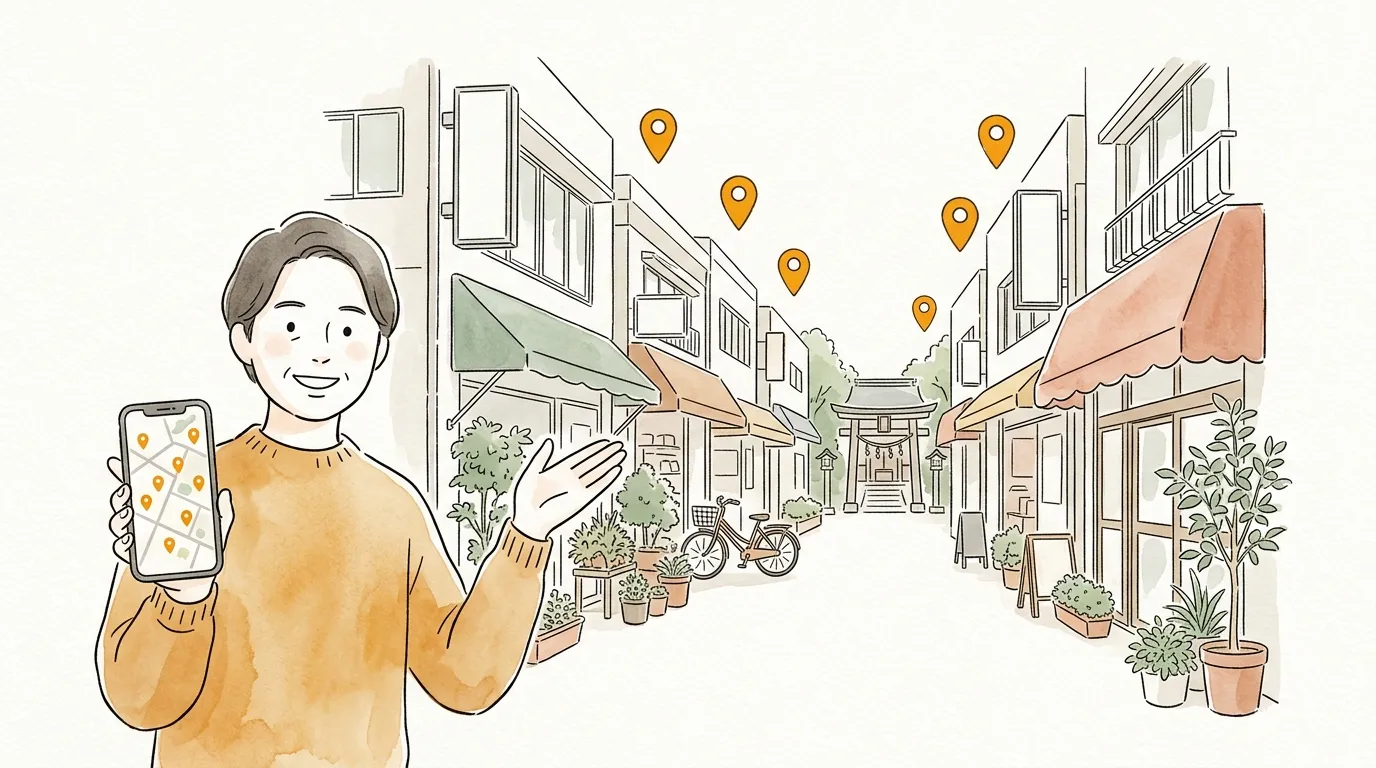
"I'm visiting your town — any recommendations?" Imagine answering with a single map of the places guidebooks never mention.
With sampo., the neighborhood classics and your favorite walking routes become pins and comments. Publish it, and it helps every stranger who visits your town.
Why sampo. fits
- ✦
The local's eye is the value
The shop the neighborhood actually goes to beats the one that tops search results. That knowledge deserves a form.
- ✦
Make it once, use it forever
Every time a friend visits, you just send it. One definitive "my town" map is surprisingly handy.
- ✦
Published maps help strangers
Public maps appear in Explore and on area pages, where people visiting your town can find them.
Three steps
- 1
Add your local spots
Shops, parks, the view spots. Search by name, tap the map to drop a pin, or paste a Google Maps URL.
- 2
Write comments only a local could
"Empty first thing in the morning", "Best in cherry-blossom season" — lines only a resident can write are what make the map.
- 3
Publish with tags
Tag it like #tokyo or #shotengai and publish — people find it via area pages and tag search.
Why not make your first map?
No account needed · free · ready in a minute
Tips to go further
Log your walks with Timeline
Members can check in at places while walking. Pick from your logged check-ins and export them straight into a guide map of your town.
Old memories count too
A shop that has closed can stay on the map as "a great place once stood here". Maps hold value as records of their moment.
It all gathers on your profile
Log in with Google and your maps line up on your profile page. When someone loves your maps, they can follow you.
FAQ
Q. Can anyone see a published map?
A. Yes — public maps appear in listings. If you prefer, choose private or unlisted instead.
Q. How many maps can I make?
A. No limit on the number of maps (up to 100 spots per map). Make one per theme.
Browse everyone's maps
Published maps are on Explore. When you find one you like, "build on this map" lets you customize it for yourself.
Send your map to someone
No account needed · free · ready in a minute