How to make a food map — share your favorite restaurants with friends
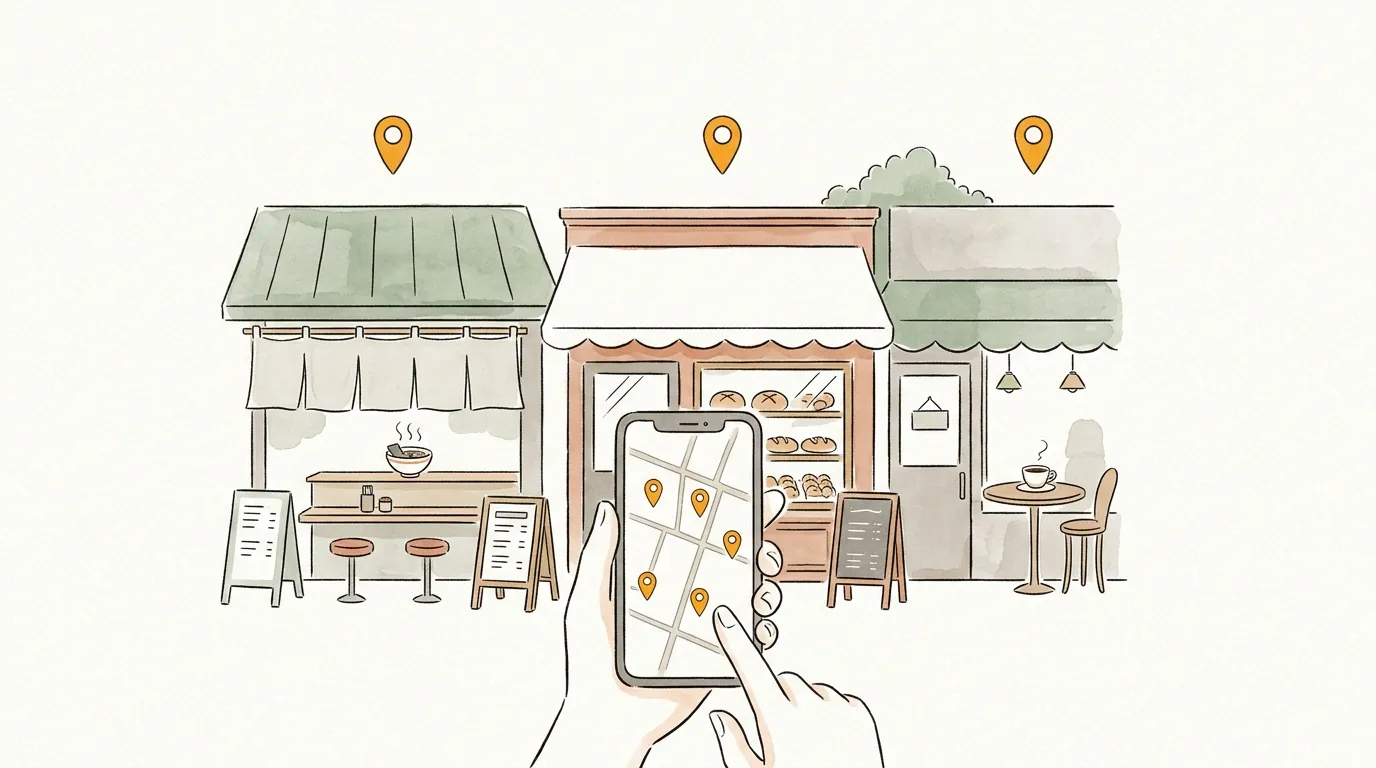
Ever been asked "any restaurant recommendations?" and replied with a trickle of shop names? The other person looks each one up, and in the end goes nowhere — a familiar story.
With sampo., your recommendations line up on a map, comments included, shareable with one URL. Your "list of places I want to show you" becomes an actual map.
Why sampo. fits
- ✦
The geography is obvious
"These two are five minutes apart", "It's on the other side of the station" — a map communicates what a list cannot. Bar-hopping plans practically make themselves.
- ✦
Write down why it is good
"Expect a line on Fridays", "Order the shio ramen". The things a shop list can never tell — that is the real value of a recommendation.
- ✦
Answer once, reuse forever
Make it once, and next time someone asks you just send the same URL. It becomes your signature food map.
Three steps
- 1
Search and add restaurants
Search by name, or paste the Google Maps URL of a place you found elsewhere.
- 2
Put your recommendation in a comment
What to order, when to go — one line each. Photos attach automatically from the place data.
- 3
Name it and share
Title it something like "10 Lunch Spots in Shibuya", save, and share the URL anywhere.
Why not make your first map?
No account needed · free · ready in a minute
Tips to go further
A focused theme is a better gift
"Open late at night" or "easy to enter alone" beats "everything I know" — the receiver can actually use it.
Add tags to get discovered
Tag public maps with things like #cafe or #ramen and people will find them from Explore.
Build it from your check-in log
Members can log restaurant visits with the Timeline feature. Pick from your logged check-ins and your everyday food adventures turn straight into a gourmet map.
FAQ
Q. Do I need to take photos myself?
A. No. When you add a spot you can pick photos from its Google place data. You can also upload up to 10 of your own photos per spot.
Q. What if a restaurant closes?
A. You can delete or replace spots from the edit screen anytime. The URL stays the same.
Browse everyone's maps
Published maps are on Explore. When you find one you like, "build on this map" lets you customize it for yourself.
Send your map to someone
No account needed · free · ready in a minute