How to make a travel map — share every place you want to visit with one URL
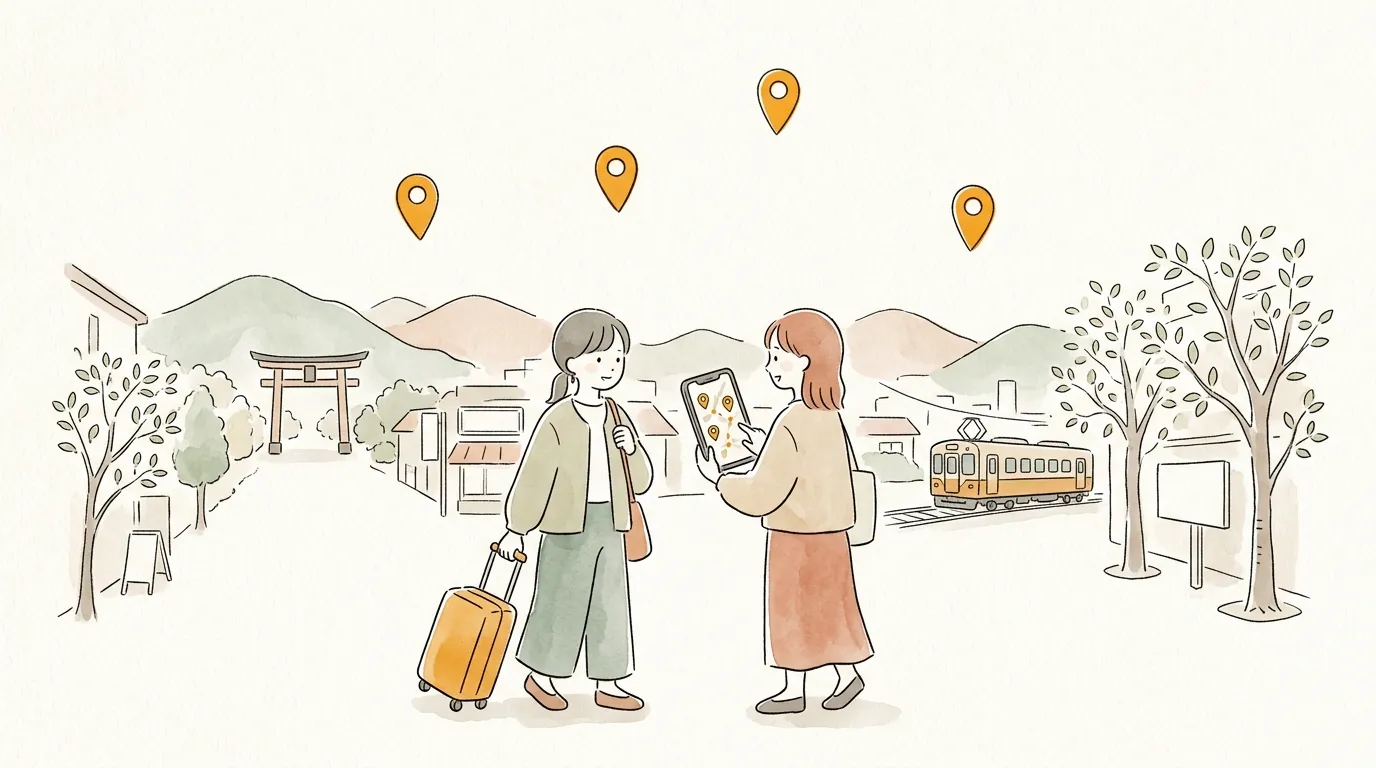
The best part of trip planning is collecting the "I want to go here!" moments. But when you share them as screenshots and chat messages, the day arrives and nobody remembers where that café was.
With sampo., you pin the places you want to visit on one map and send it to your companions as a single URL. No sign-up needed — you can build it on your phone.
Why sampo. fits
- ✦
The visiting order is visible
Numbered pins show "day one goes in this order" at a glance. Unlike a saved-places list, the order carries meaning.
- ✦
Add a one-line note to each spot
"Famous for its pudding", "Booked for 6pm" — your notes reach your companions exactly as you wrote them.
- ✦
Navigate with Google Maps on the day
Every spot opens in Google Maps with one tap, so on-the-ground navigation stays in the app you know.
- ✦
Build it together
Send an invite link and up to 4 people (including you) can edit the same map. Everyone adds their own "I want to go here" — the fun starts before the trip does.
Three steps
- 1
Search and add the places you want to visit
In the editor, search by name or paste a Google Maps URL and the spot is added — photos come along automatically.
- 2
Reorder and add comments
Drag spots into the order you plan to visit. Add notes like "start here in the morning" or "skip if it rains".
- 3
Name it and send the URL
Give it a title like "Kanazawa 3 days", save, and you get a URL. Paste it into your group chat and you are done.
Why not make your first map?
No account needed · free · ready in a minute
Tips to go further
One map per day works best
For a 3-day trip, make "Day 1" and "Day 2" maps — much easier to follow on the day.
Keep the places you missed
Copy the spots you could not visit into a "next time" map — it becomes the draft of your next trip.
Make it work offline
Remote islands and mountain areas have patchy signal. If you are logged in and open the map once before you leave, you can view it offline (members only).
FAQ
Q. Do my companions need an account?
A. Not to view it — they just open the URL, no app or login needed. To edit together, a Google login is required.
Q. Can we edit the map together?
A. Yes. Issue an invite link from the edit screen and up to 4 people including you can edit the same map. Co-edited maps are visible to members only.
Q. What happens to the map after the trip?
A. It stays. Revisit it as a record of the trip, or send it to a friend heading to the same place.
Browse everyone's maps
Published maps are on Explore. When you find one you like, "build on this map" lets you customize it for yourself.
Send your map to someone
No account needed · free · ready in a minute