How to make a date-course map — send the whole plan in one link
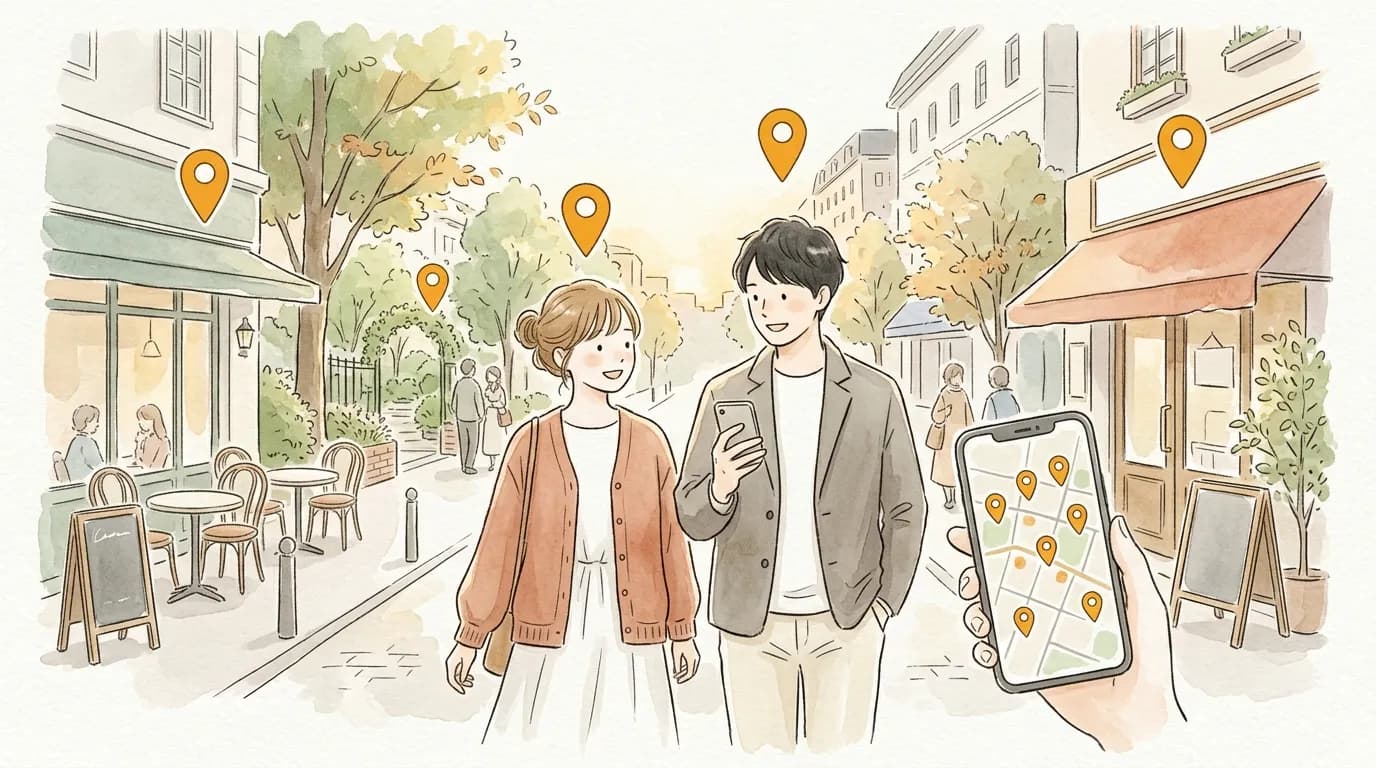
You want to settle "where are we going?" smoothly. Instead of sending three separate links, imagine the whole course arriving as one map — the anticipation is part of the gift.
With sampo., the flow from meeting spot to dinner becomes a numbered map you can send in a single message.
Why sampo. fits
- ✦
The flow of the day comes across
Numbered 1→2→3 pins carry the plan — "café, then a walk in the park, then the restaurant" — exactly as you imagined it.
- ✦
Distances are reassuring
The map shows whether it is all walkable, which quietly answers the shoes-and-outfit question too.
- ✦
Slip in a little thoughtfulness
"This café if it rains", "Already booked" — small comments that show you prepared.
Three steps
- 1
Add places in the order of the day
Meeting spot, café, dinner — add spots in the order you plan to visit.
- 2
Add one-line comments
"I love the terrace seats here", "The night view is beautiful" — lines that share the anticipation.
- 3
Send the URL
Save and send. No app, no sign-up needed on their side — it opens right away.
Why not make your first map?
No account needed · free · ready in a minute
Tips to go further
Great for choosing together
Make "Course A" and "Course B" and send both — choosing becomes part of the date.
Private and unlisted options
For a plan just for the two of you, choose "unlisted" when saving — it stays out of listings and only people with the URL can see it.
Grow a shared wishlist together
Invite them as a co-editor and either of you can add places you discover. Co-edited maps are visible only to the two of you.
FAQ
Q. Can other people see the map?
A. You choose public, unlisted, or private when saving. Unlisted means only people who know the URL can view it.
Q. What if the plan changes on the day?
A. Add, remove, and reorder spots anytime from the edit screen. The URL you already sent keeps working.
Browse everyone's maps
Published maps are on Explore. When you find one you like, "build on this map" lets you customize it for yourself.
Send your map to someone
No account needed · free · ready in a minute