How to use sampo.
Scene-by-scene guides to making and sharing maps.
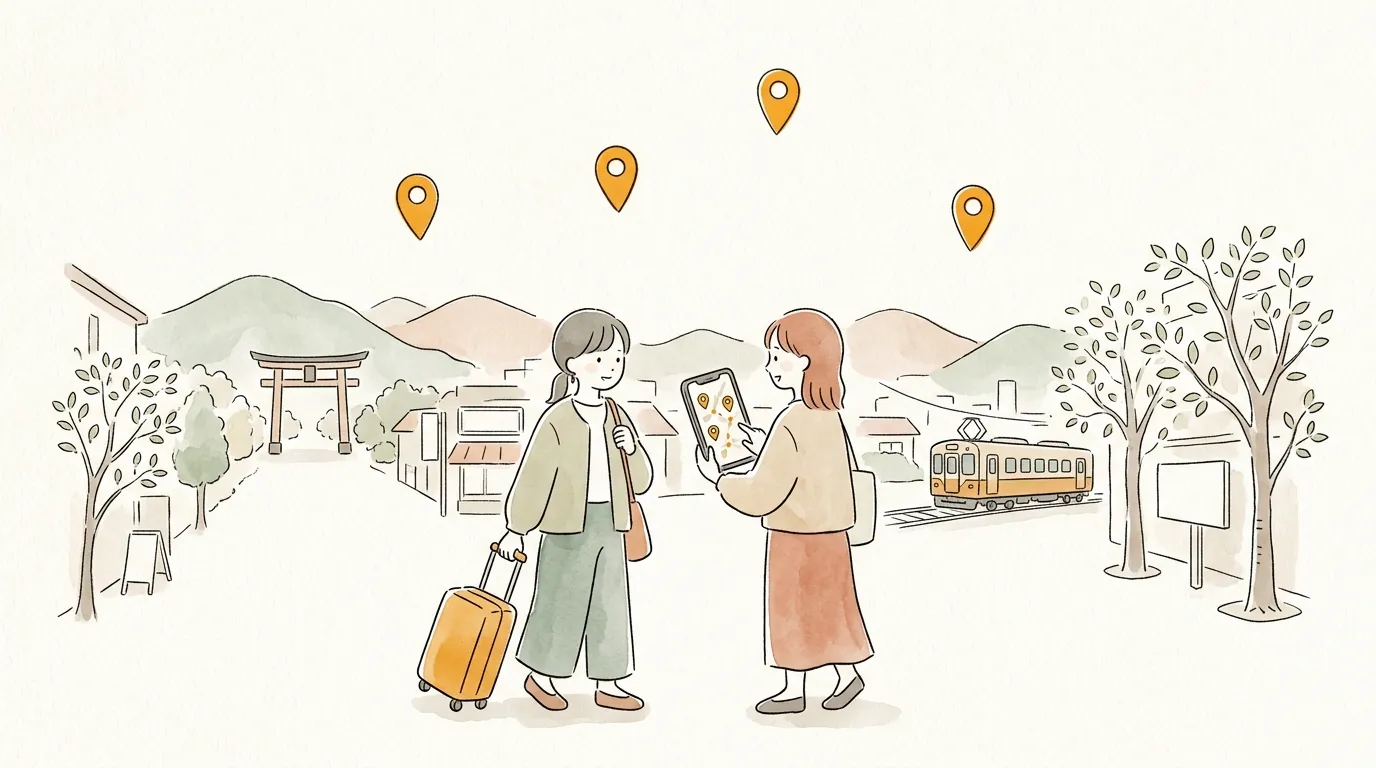
How to make a travel map
Put your "places I want to go" list on a map and send it to your travel companions with a single URL. No account needed, free. The order you plan to visit and your notes travel with it.
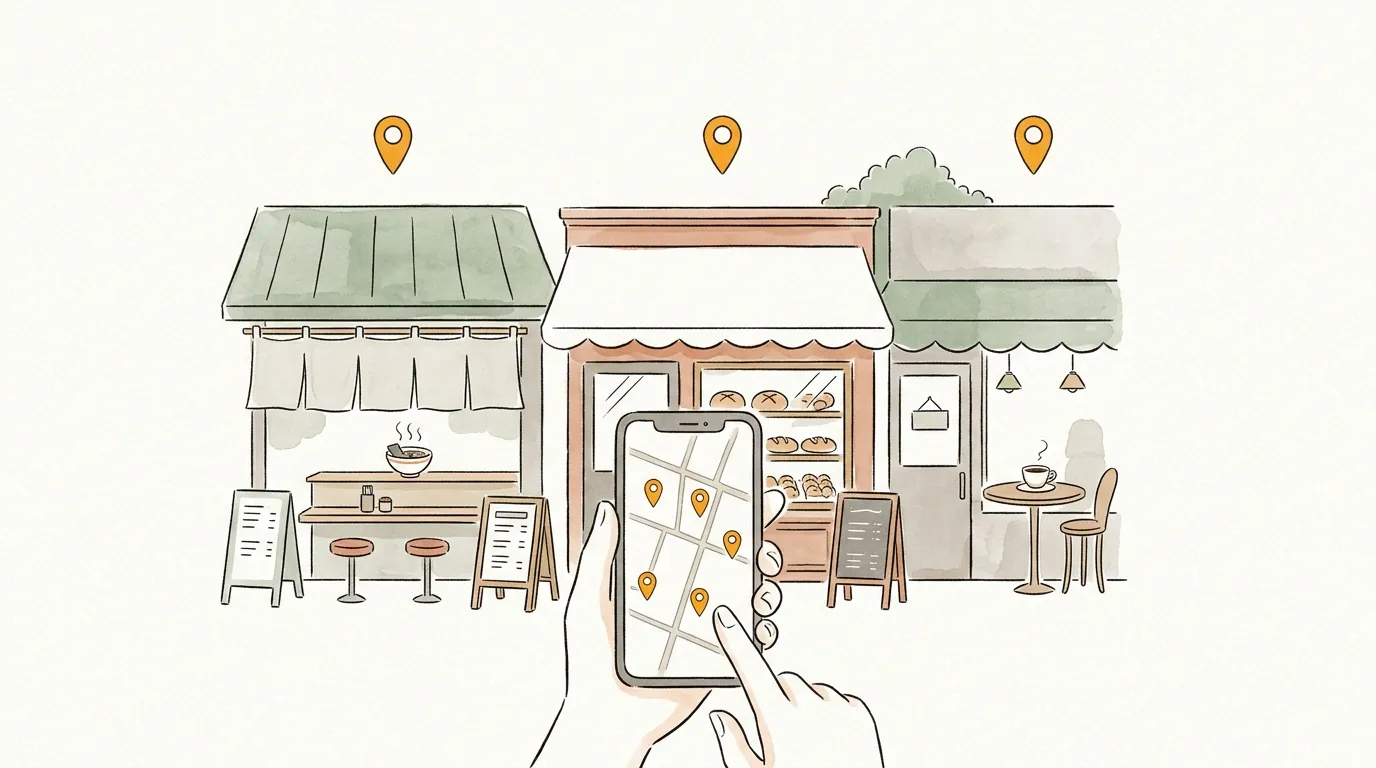
How to make a food map
Put your favorite cafés and restaurants on one map and send it to friends. No account needed, free. Tell them exactly what is good at each place with your comments.
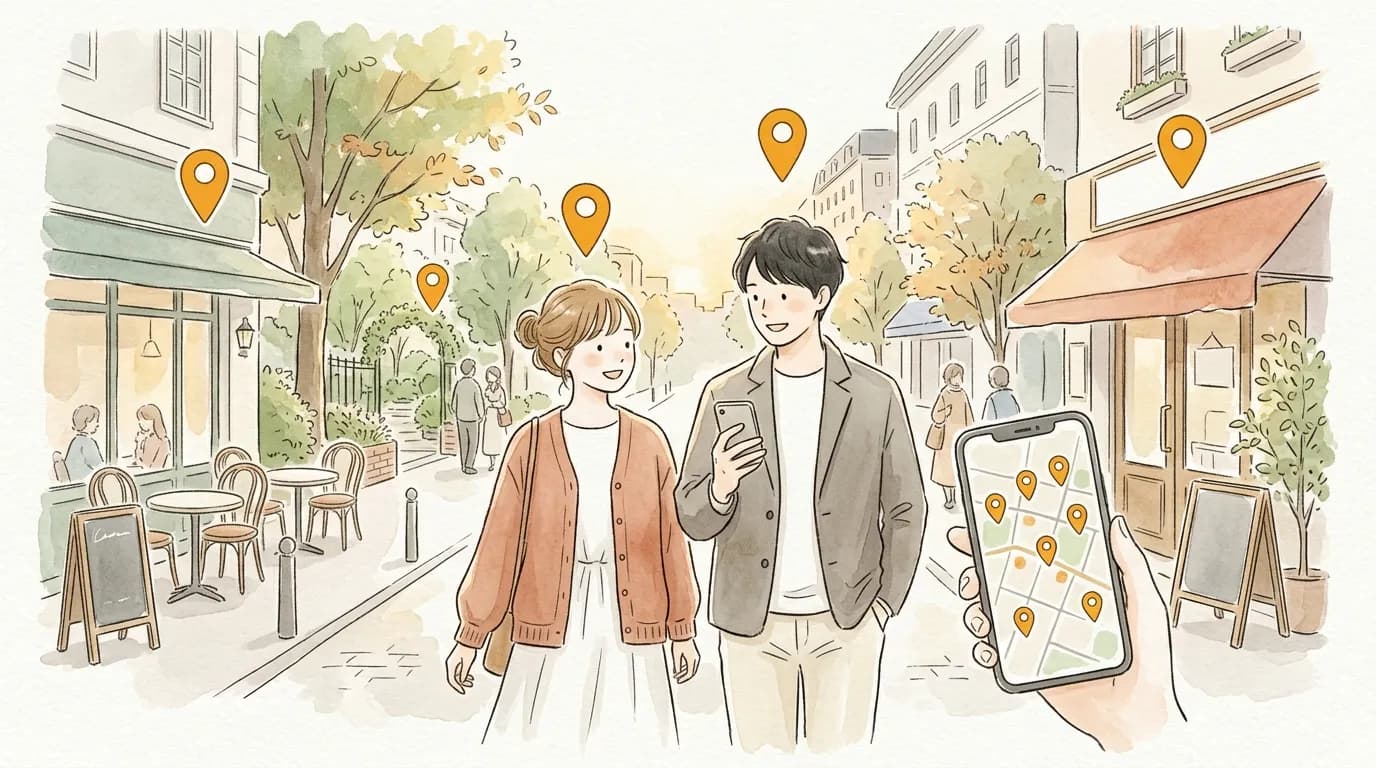
How to make a date-course map
Café, a walk, then dinner — turn the flow into a single map and send it in one message. No account needed, free. Numbered pins carry the plan as-is.
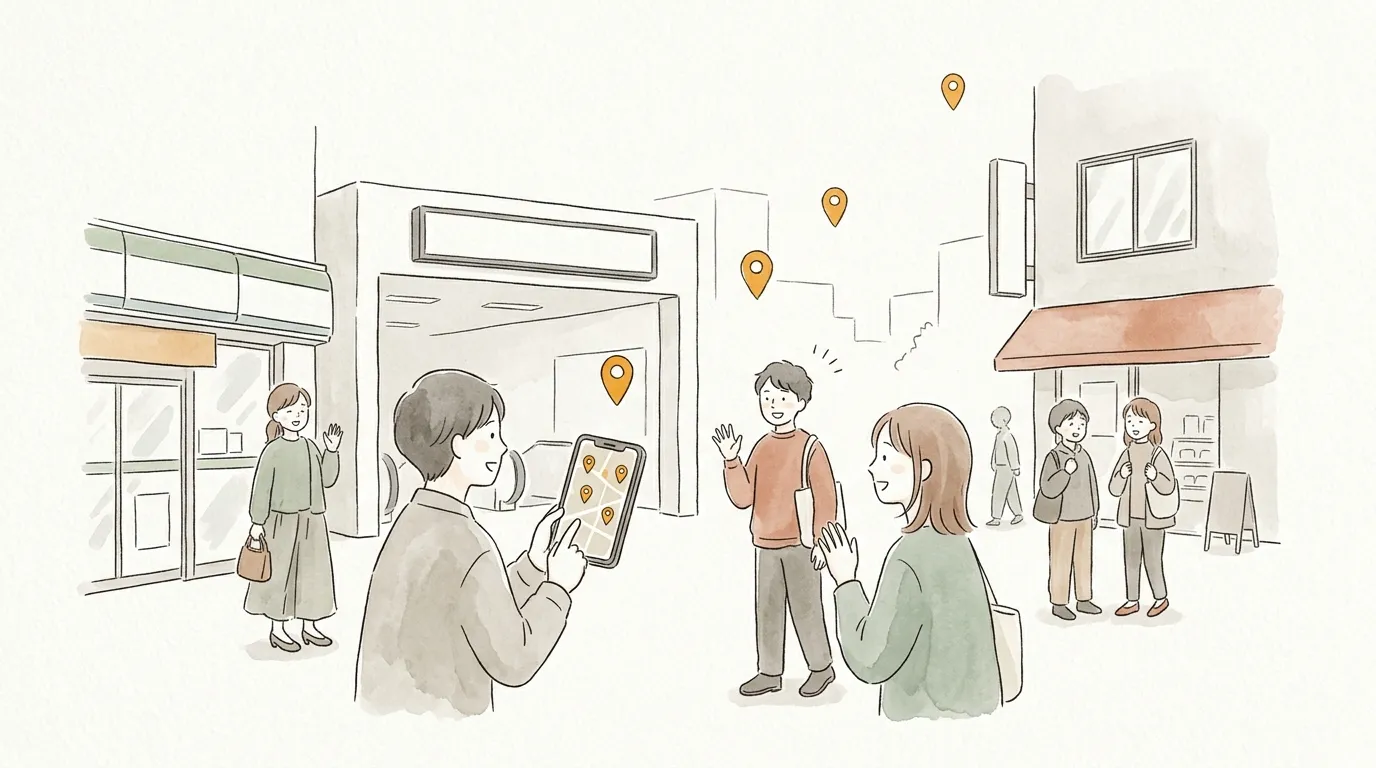
How to make an event & meetup map
Venue, reception, after-party, landmarks from the station — one map, one URL for all attendees. No account needed, free. Kill the "where do we meet?" question for good.
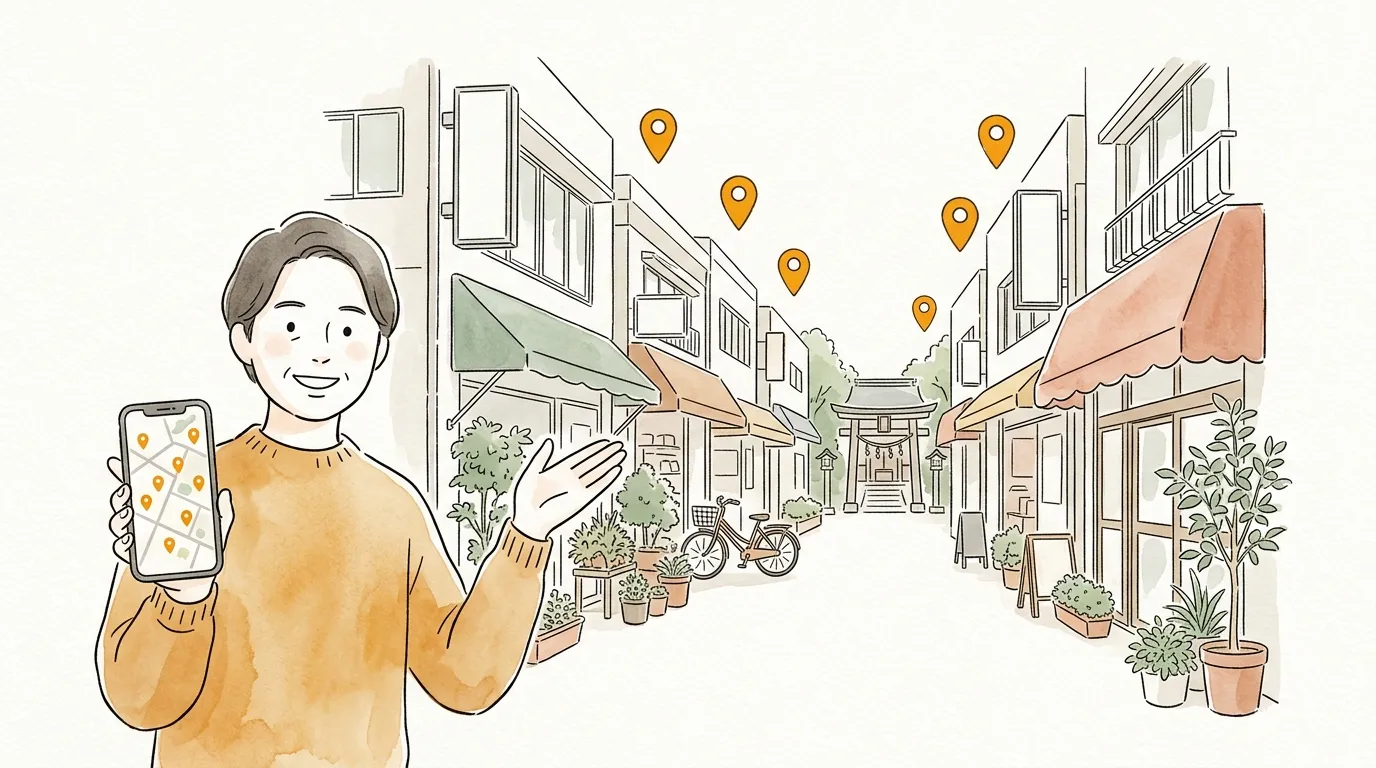
How to make a local guide map
The shops and walks only locals know, on one public map. No account needed, free. A guide for visiting friends — and a record of your town.
Share your favorite places on a map.
No account needed · free · ready in a minute