How to make an event & meetup map — one URL for every attendee
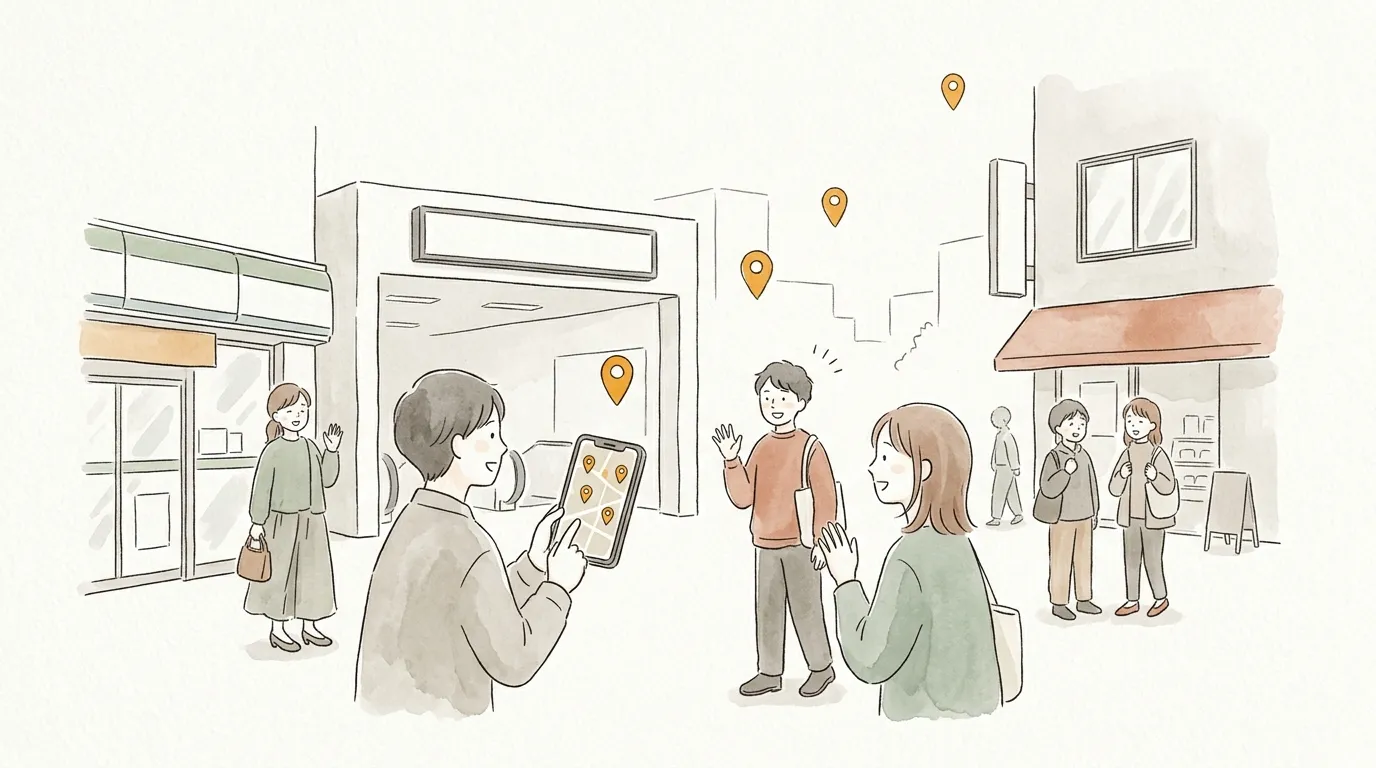
Organize anything and the questions arrive on cue: "Where do we meet?" "Where is the venue?" An address alone never explains which station exit or which entrance.
With sampo., the meeting point, venue, after-party spot, and the convenience store all fit on one map — and everyone gets the same URL.
Why sampo. fits
- ✦
Answer once
Pin the map URL in the group chat and the answer to "where?" is always the same link.
- ✦
Landmarks in the comments
"Exit west and turn right", "Look for the red sign", "Reception is on 2F" — the details an address never tells.
- ✦
No app needed for attendees
Everyone just opens the URL. Works for gatherings of all ages.
Three steps
- 1
Add the venue and related spots
Venue, nearest station exit, after-party spot, convenience store — everything the day needs.
- 2
Put reminders in the comments
"Doors at 6pm", "Entrance at the back of the building" — answer the day's confusion in advance.
- 3
Share the URL with the group
Paste it into the group chat or invitation. A QR code is available too, so it works on printed materials.
Why not make your first map?
No account needed · free · ready in a minute
Tips to go further
QR codes for print
Open the share menu to get a QR code — handy for wedding programs and reunion invitations.
Reuse for recurring events
Monthly meetups can reuse the same map. Edit it when places change; the URL stays the same.
Co-organize with co-editing
Send an invite link and up to 4 organizers can edit the same map. "You handle the after-party spot" actually works.
FAQ
Q. Do attendees need a special app?
A. No. The URL opens in any browser, on phones and PCs alike.
Q. Can I delete the map after the event?
A. Yes, anytime from your page. You can also switch it to private and keep it.
Browse everyone's maps
Published maps are on Explore. When you find one you like, "build on this map" lets you customize it for yourself.
Send your map to someone
No account needed · free · ready in a minute